Music & YouTube
Keep Apple Music, Spotify or YouTube audio playing with the lid closed.
 lidkeeper.Download preview
 Lid Keeper for Mac
Your download has another hour to go. You don’t.
Keep music, exports and work running with your MacBook closed.
7 days free · No card required
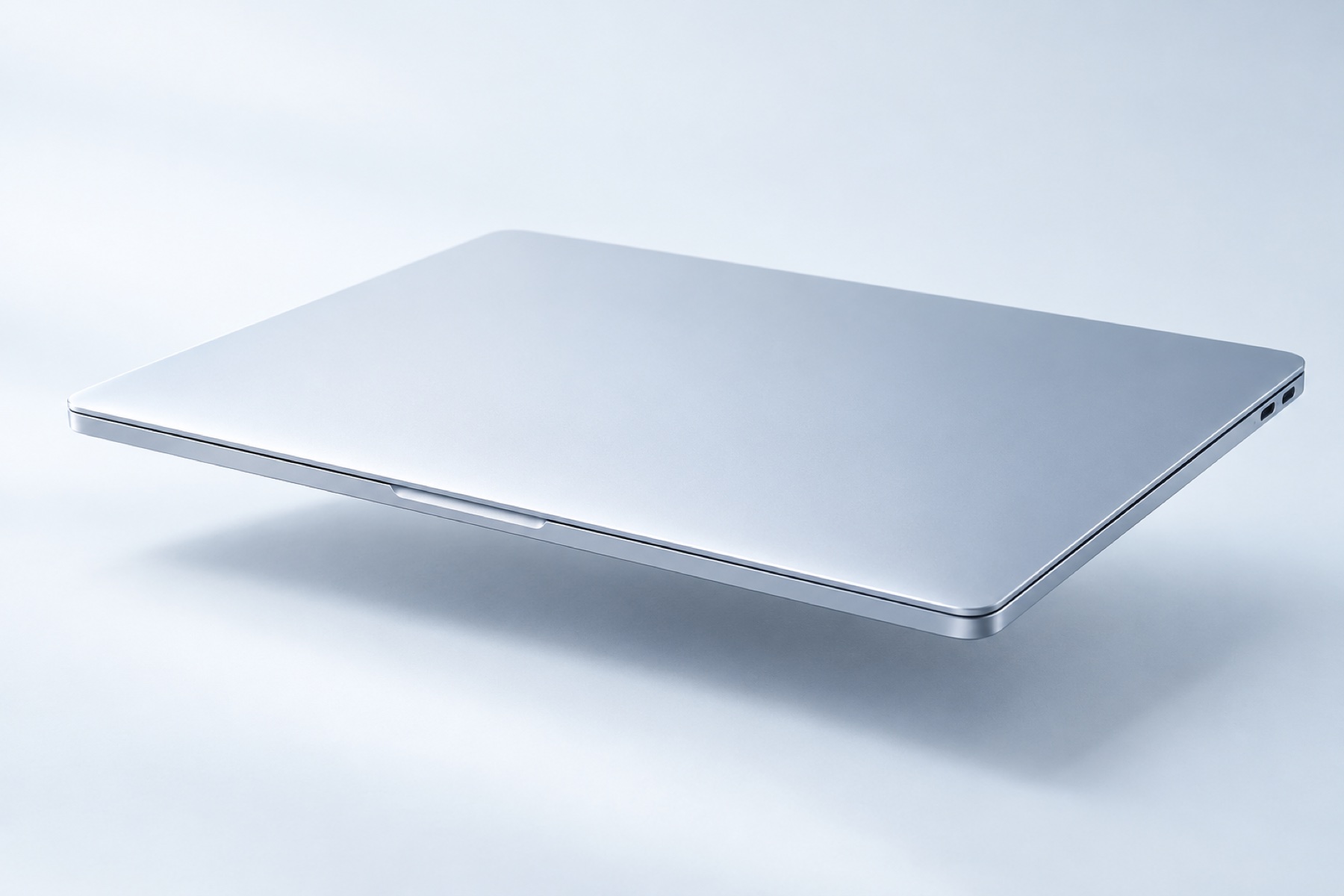
Keep Apple Music, Spotify or YouTube audio playing with the lid closed.
Let your editor finish rendering while you take a break.
Finish that large download or game update without leaving the screen open.
Run a command through Lid Keeper and restore sleep when it finishes.
Start a session from your menu bar. Approve it in macOS, then close the lid.
Lid KeeperInteractive demo · no Mac settings are changed
A real session needs administrator authorization.
Give a download two hours, a playlist 90 minutes, or a long job up to 24 hours. Normal sleep returns when the session ends.
Two hours and 45 minutes? Type it right in the menu-bar panel, then save it for next time.
Launch a build or script through Lid Keeper. When that command exits, the session ends and normal sleep returns.
Start with a keyboard shortcut, or use an Apple Shortcut to start and stop a timed session. Turn on an alert if you want to know when it ends.
⌃ ⌥ ⌘ SpaceBattery and thermal cutoffs, a finite deadline, and an independent recovery process are built into every plan.
Try every Plus feature for seven days. Keep Free for quick sessions, or choose Plus when you need longer.
Custom sessions from one minute to a full day.
20-minute closed-lid sessions stay free after the trial.
Planned Plus launch price. One payment for one Mac.
| Feature | Lid Keeper | LidRun ↗ | Lidnight ↗ |
|---|---|---|---|
| Closed-lid use after the trial | Lid KeeperFree, up to 20 minutes | LidRunPaid | LidnightPaid |
| Long sessions | Lid KeeperUp to 24 hours | LidRunUp to 8 hours | Lidnight24 hours or until stopped |
| One-time price · one Mac | Lid Keeper$3.99 planned | LidRun$9.90 launch price | Lidnight$4.99 launch price |
Seven days of Plus. Then keep Free, or keep going with Plus.
$0always
For shorter sessions.
$3.99planned · once · one Mac
Battery sessions are supported. When unplugged, a session stops at 15% battery or below; thermal protection can stop it sooner. Keep the Mac on a ventilated surface, even with the lid closed.
The preview is for Apple Silicon Macs, with a macOS 13 minimum build target. See the download page for the current package and testing details.
A session temporarily changes a system sleep setting and starts a recovery process. macOS asks for administrator authorization when starting. Lid Keeper includes controls to restore normal sleep.
Yes, for a command you launch through Lid Keeper. Its session ends when that command exits. For music, browser downloads and video editors, choose a timer or end the session yourself.
Free stays available for sessions up to 20 minutes, with unlimited manual restarts. Plus adds sessions through 24 hours, custom time input, presets, command sessions and automation. An active session keeps its original deadline when the trial expires.
Purchasing and initial purchase-key activation need a connection. After activation, the signed license is verified locally. Ordinary sessions and sleep recovery work offline.